The dashboard
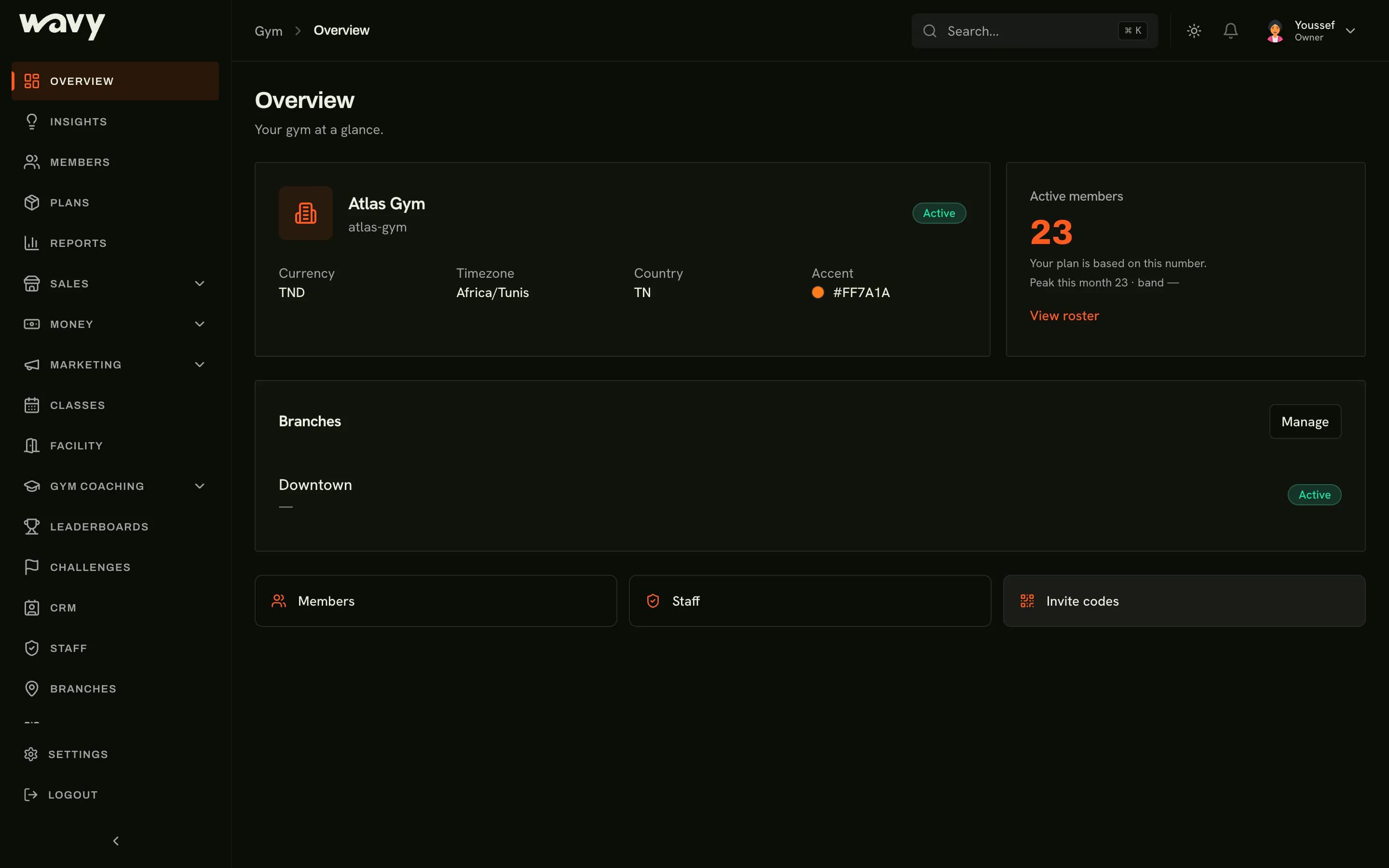
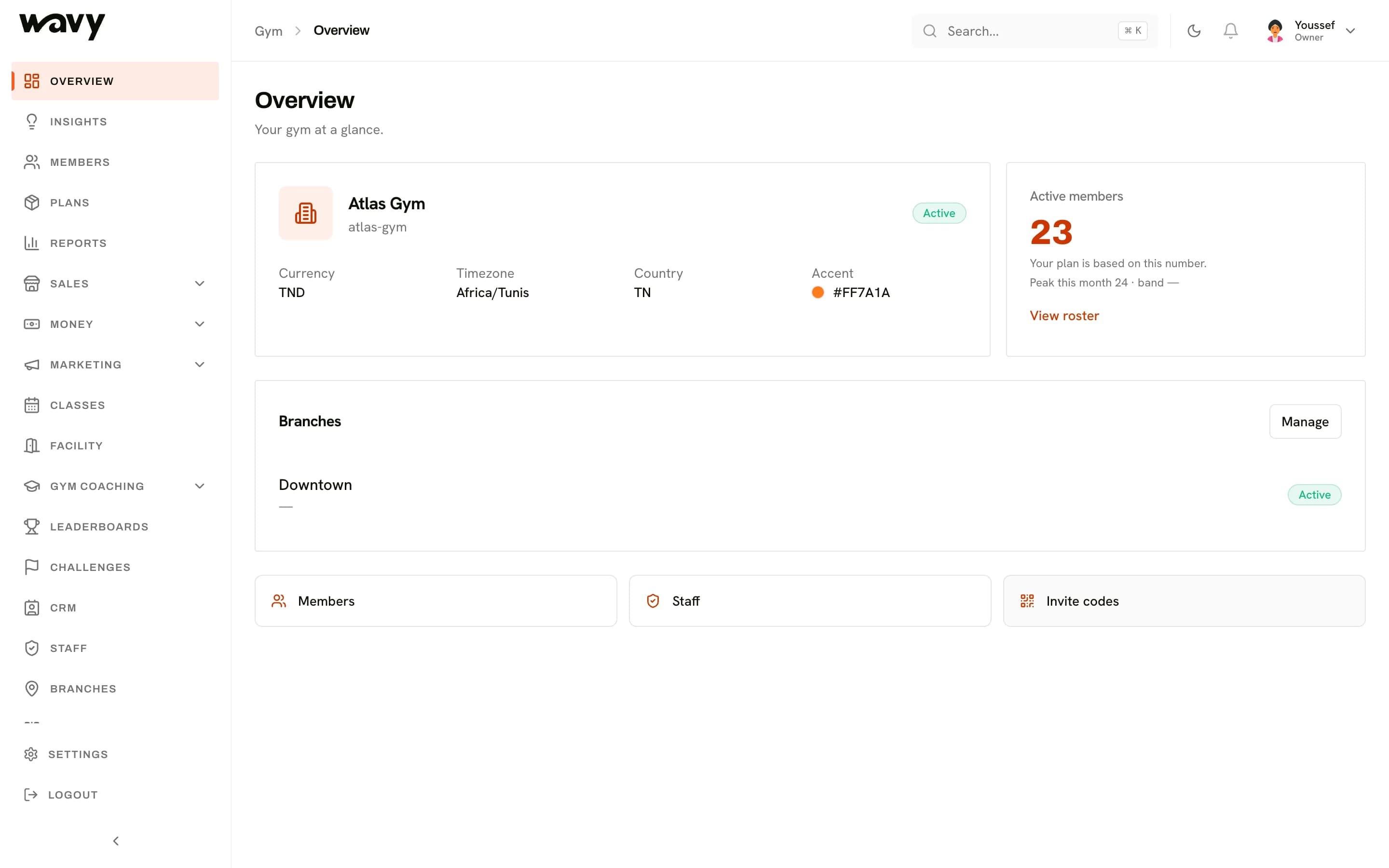
Your whole gym on one screen
The dashboard is where you and your staff run the gym: the front desk, the members, the money and the numbers.
Members and memberships
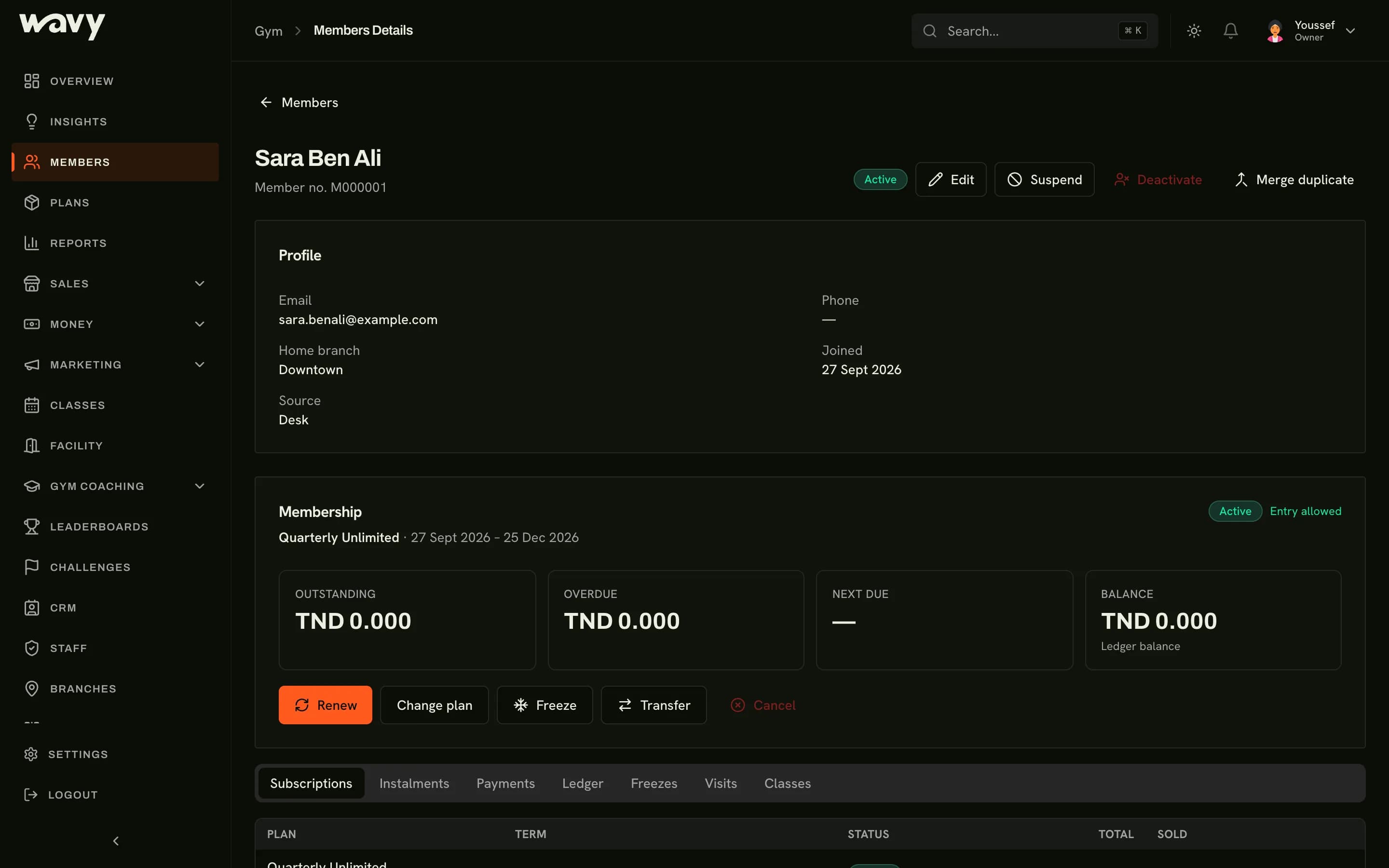
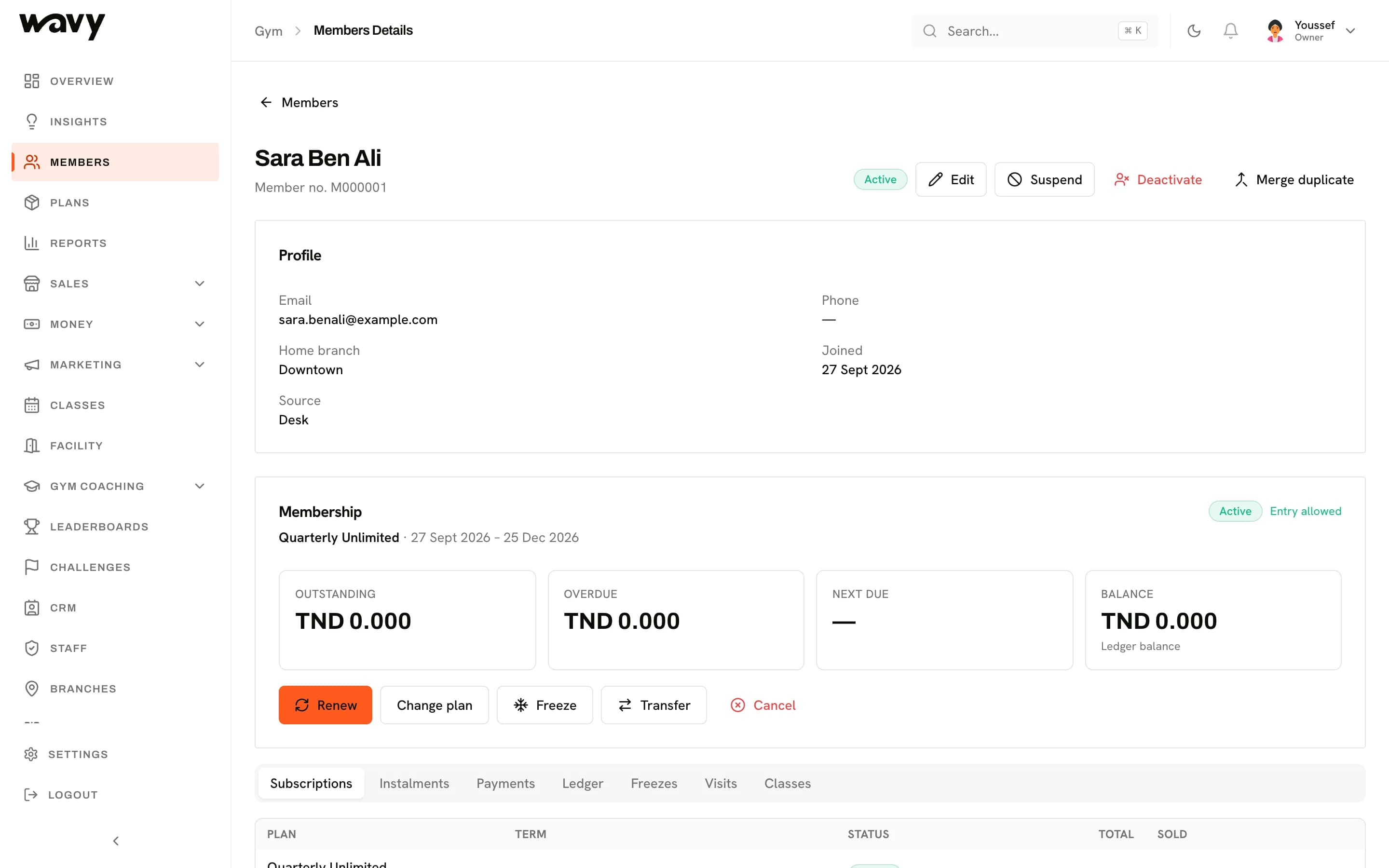
Know every member
Each member has one file with their plan, payments, check-ins, notes and documents.
Membership plans
Create the plans you sell and assign them to members.See who's expiring
Filter members whose plan ends in the next 7, 30 or 90 days, and who's behind on payment.Freeze requests
Members ask to pause their membership. Your staff approve it at the desk.Families
Group family members together at the front desk.Invite codes
Give members a code or a QR to join your gym in the app.Notes and tags
Tag members and keep notes your team can read.
Front desk and check-in
See who's in the building
The front desk screen is made for the people at your counter: fast search, one tap to check in.
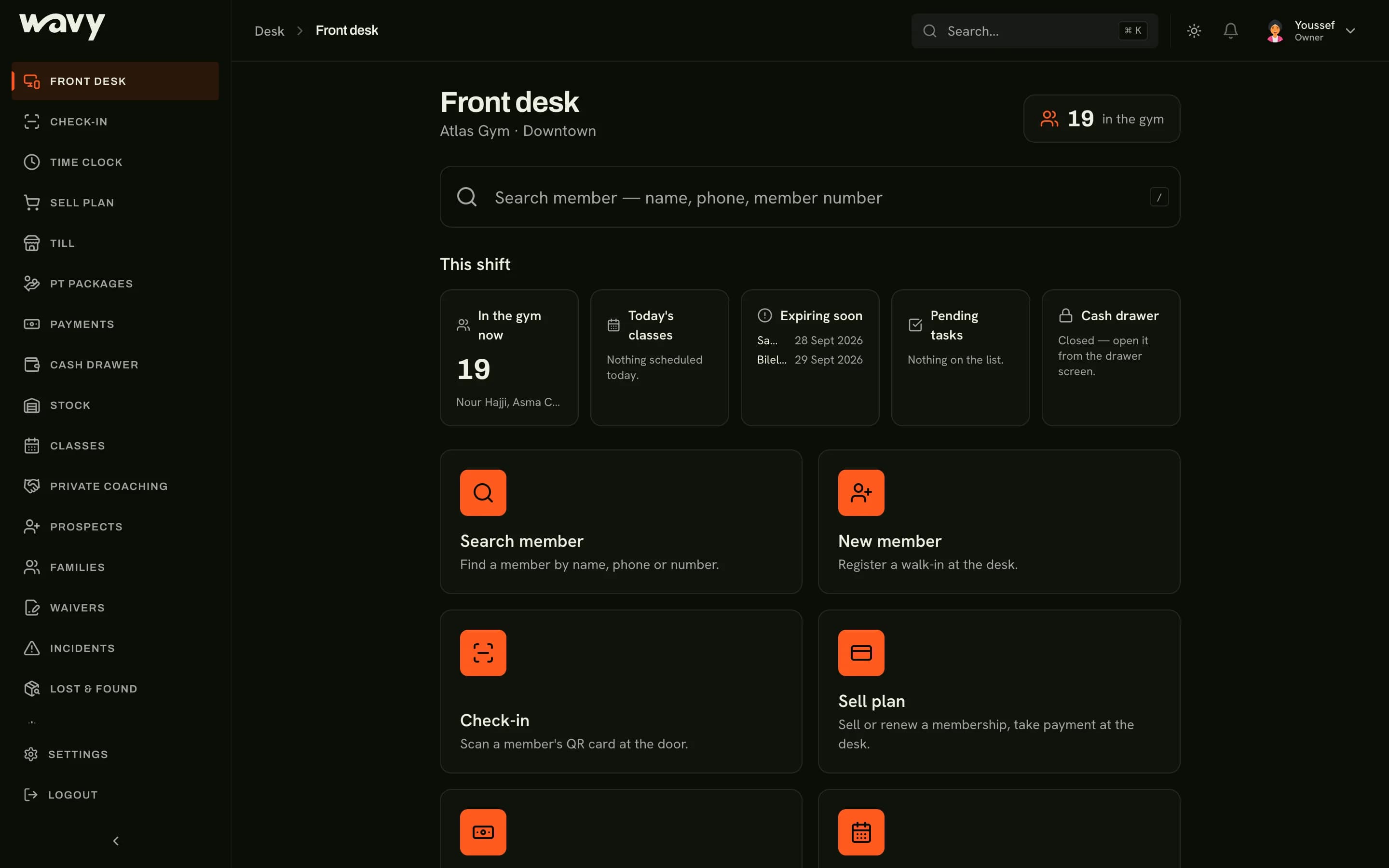
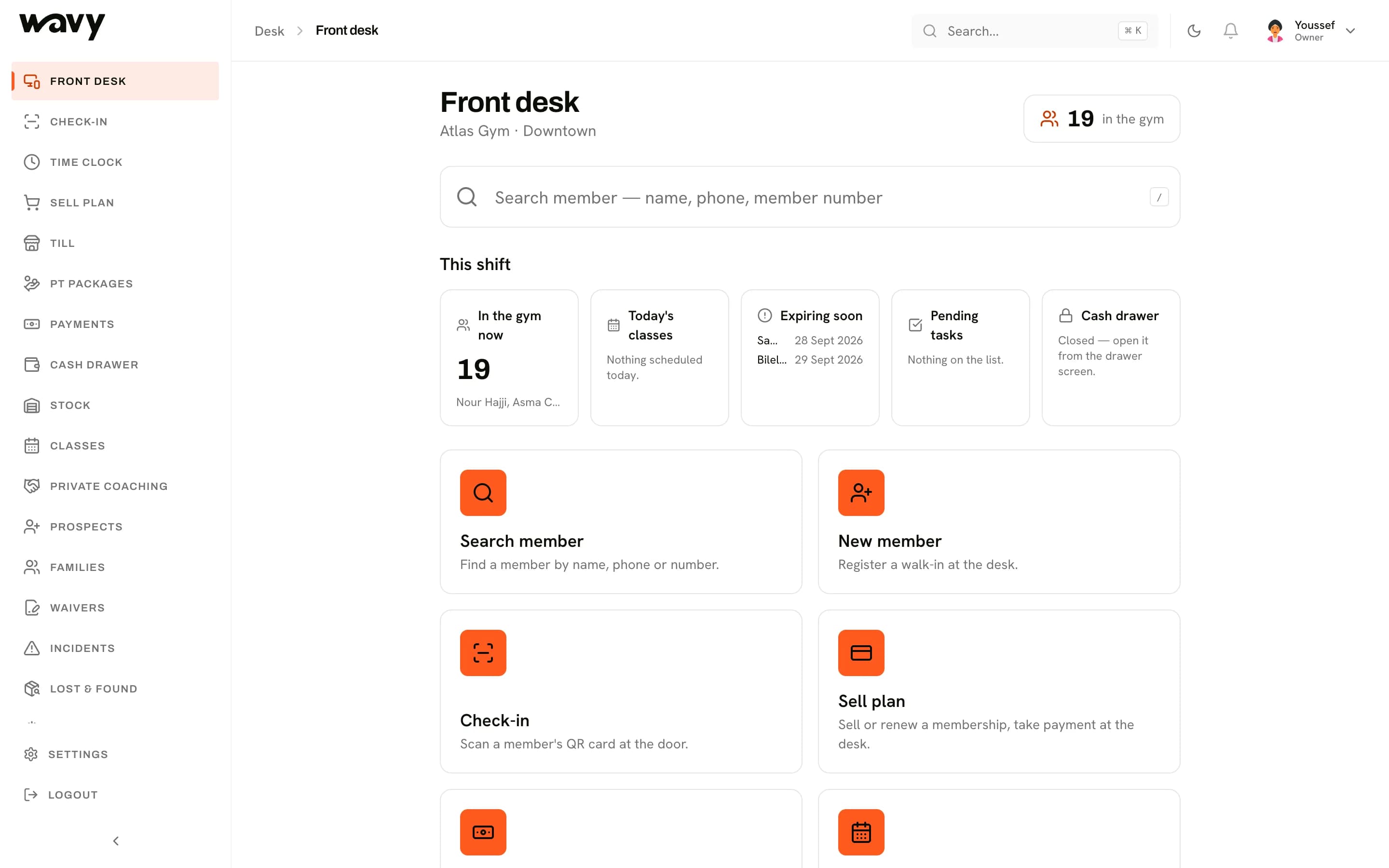
Check in by pass or card
Scan the member's QR pass or card, or search by name.Works when the internet doesn't
Check-in keeps going offline and catches up when the connection is back.Sell or renew a plan
Sell a plan and take the payment in the same place.Staff time clock
Your team clock in and out at the desk.Waivers, incidents, lost and found
Handled at the desk with the Compliance module.
Classes and facility
Fill your classes
Build the timetable once. Members book from the app and your staff see who's booked.
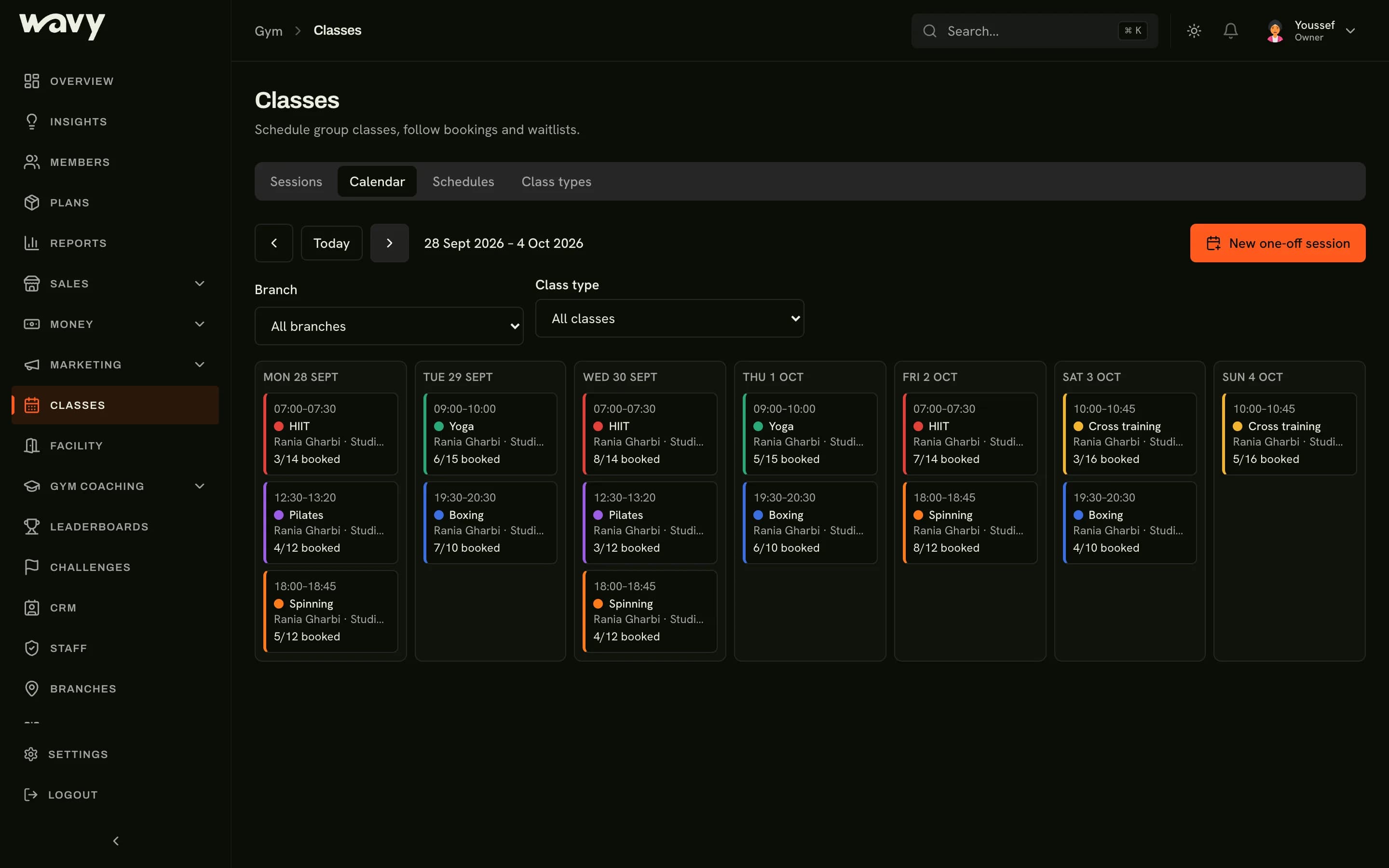
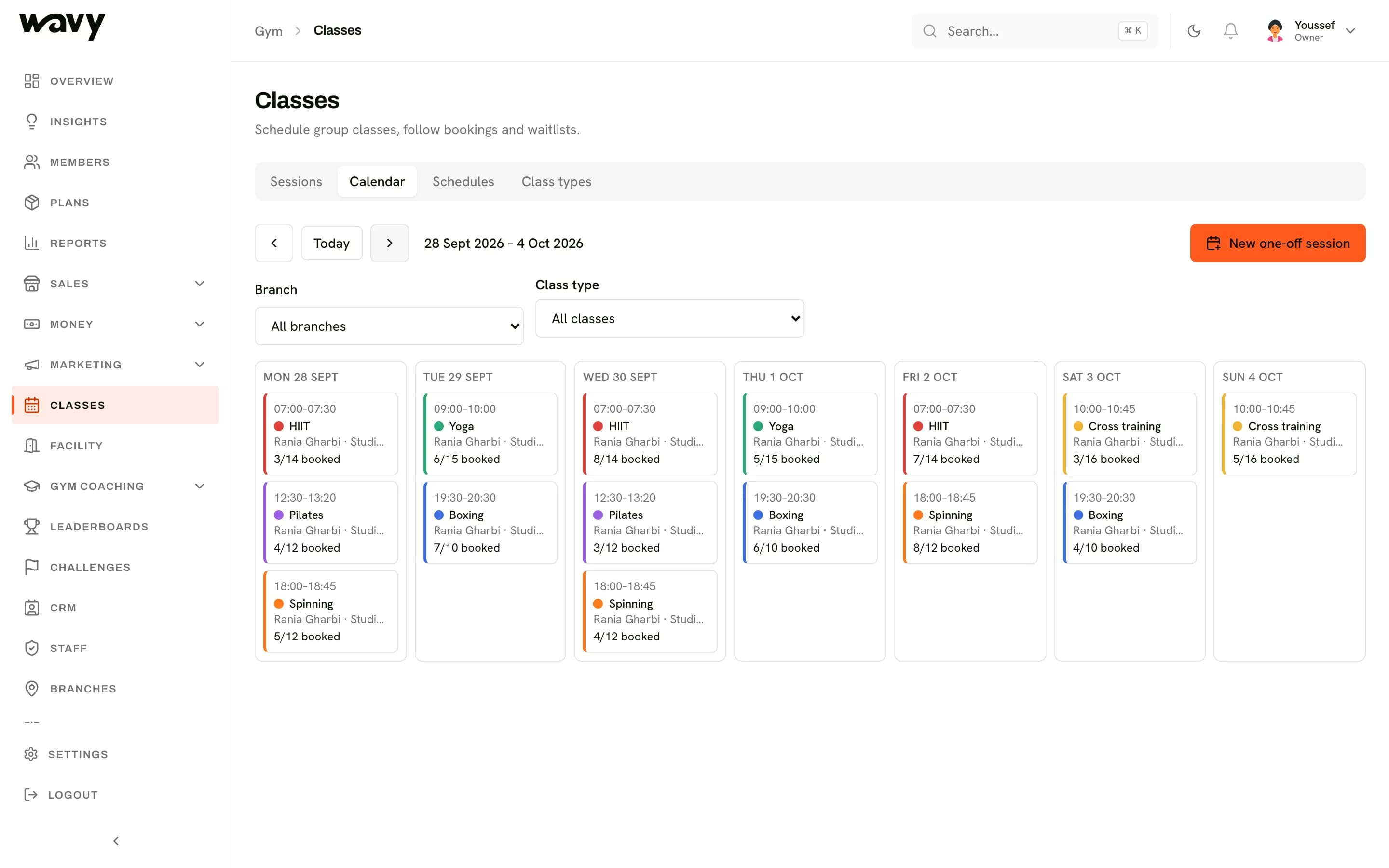
Timetable and class types
Set up your class types and the weekly schedule.Booking and waitlists
Members book a spot. Full classes get a waitlist.Class packs
Sell packs of classes alongside memberships.Rooms and opening hours
Set your rooms, your opening hours and your holiday closures.
Class booking is part of the Classes module.
ModulesMoney
Know who paid and who didn't
Every payment is recorded against a member, with a receipt, so the till and the books agree.
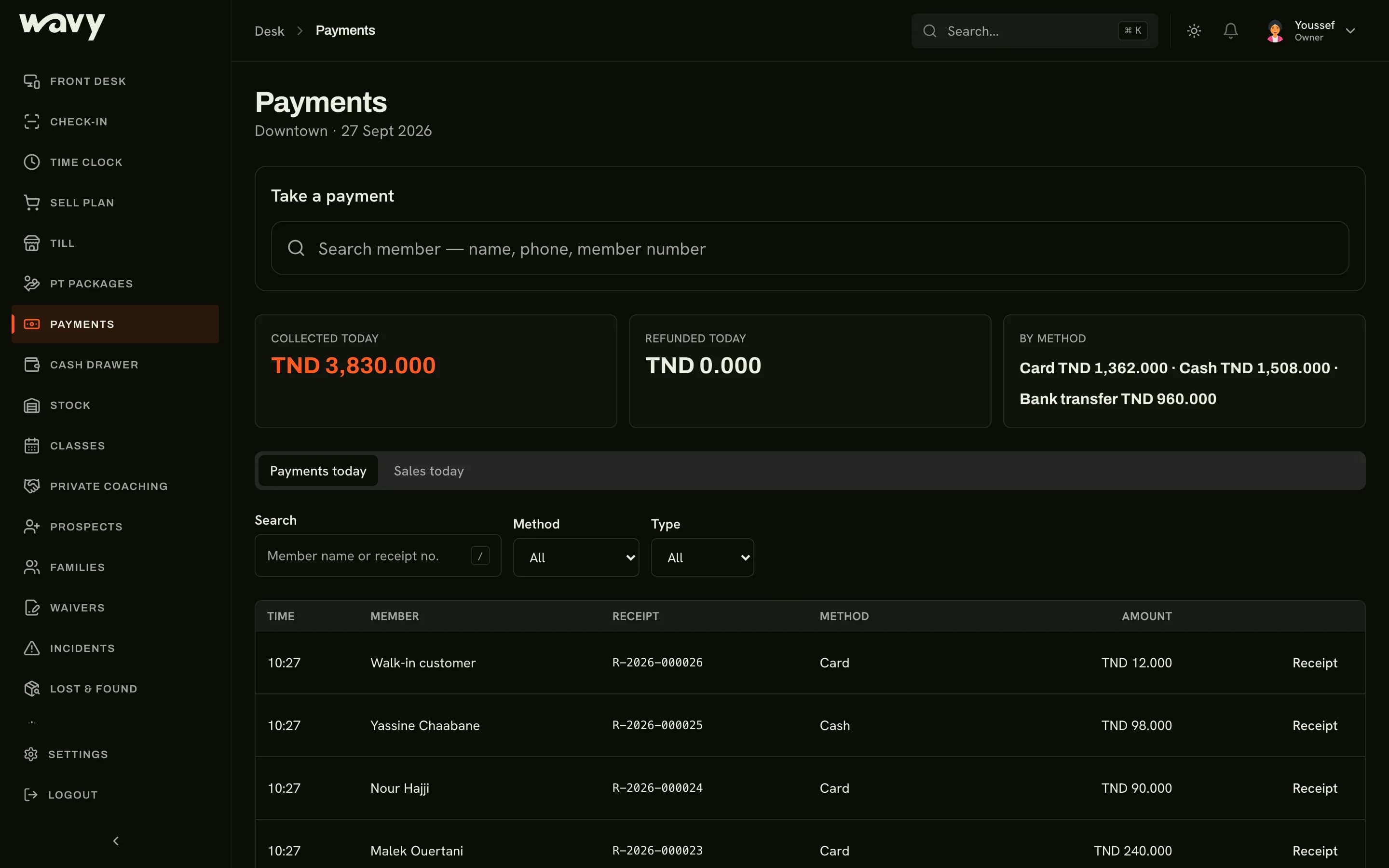
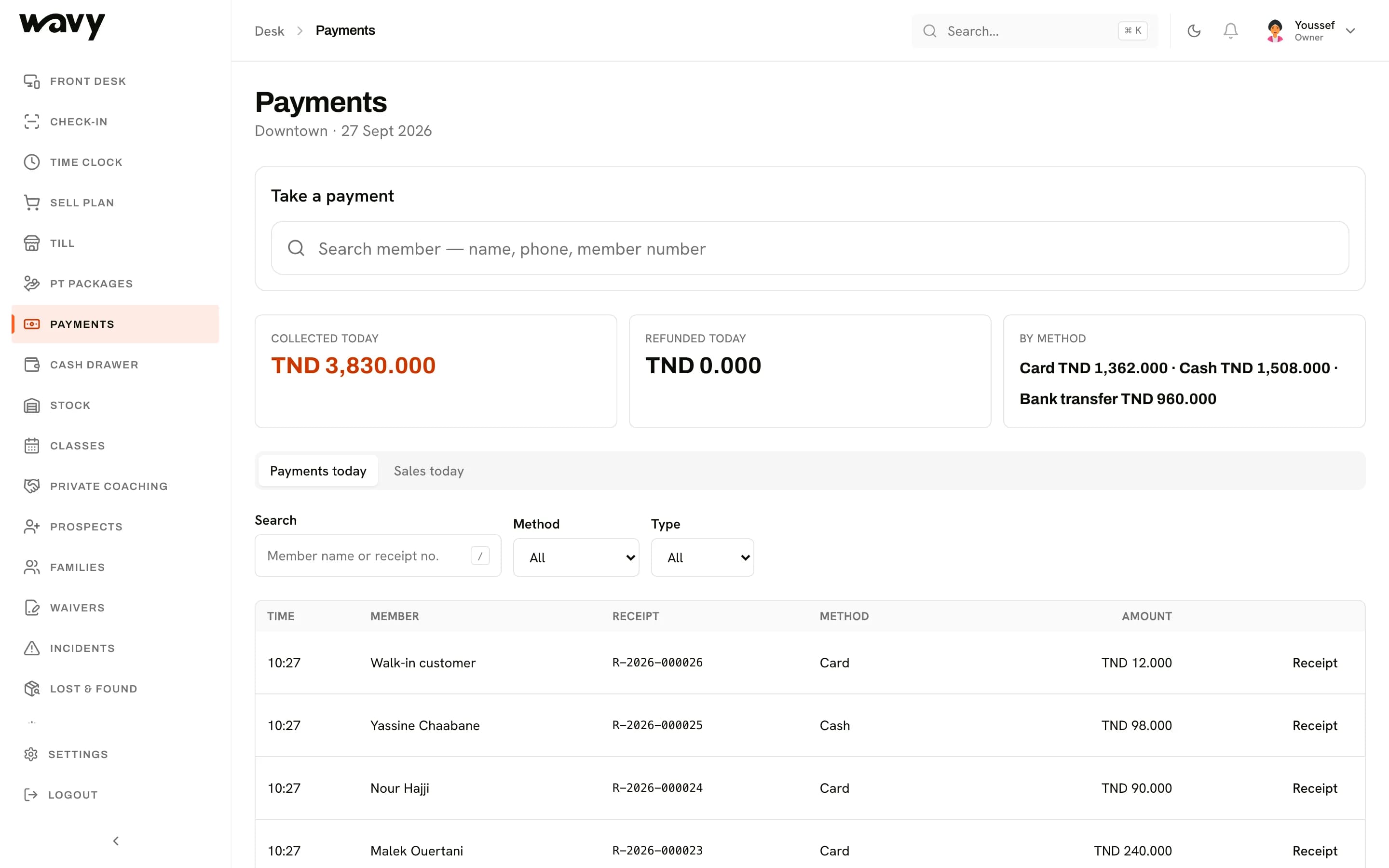
Payments and receipts
Record cash, card and bank transfer payments, and refunds.Invoices
Issue a formal invoice when a member or a company asks for one.Members in arrears
See who owes money and since when.Collections
Follow up overdue payments until they're settled.Expenses and profit
Track what the gym spends next to what it earns.
Expenses and collections are part of the Finance module.
ModulesStaff
Give each person the right access
Owners, managers, front desk staff and coaches each see what they need, and nothing more.
Roles
Add your team as owner, manager, front desk or coach.Time clock
Staff clock in and out at the front desk.Rota and payroll
Plan shifts, keep timesheets and run payroll.
Rota, timesheets and payroll are part of the Workforce module.
ModulesReports
See how the gym is doing
Attendance, revenue and members at risk, without building a spreadsheet.
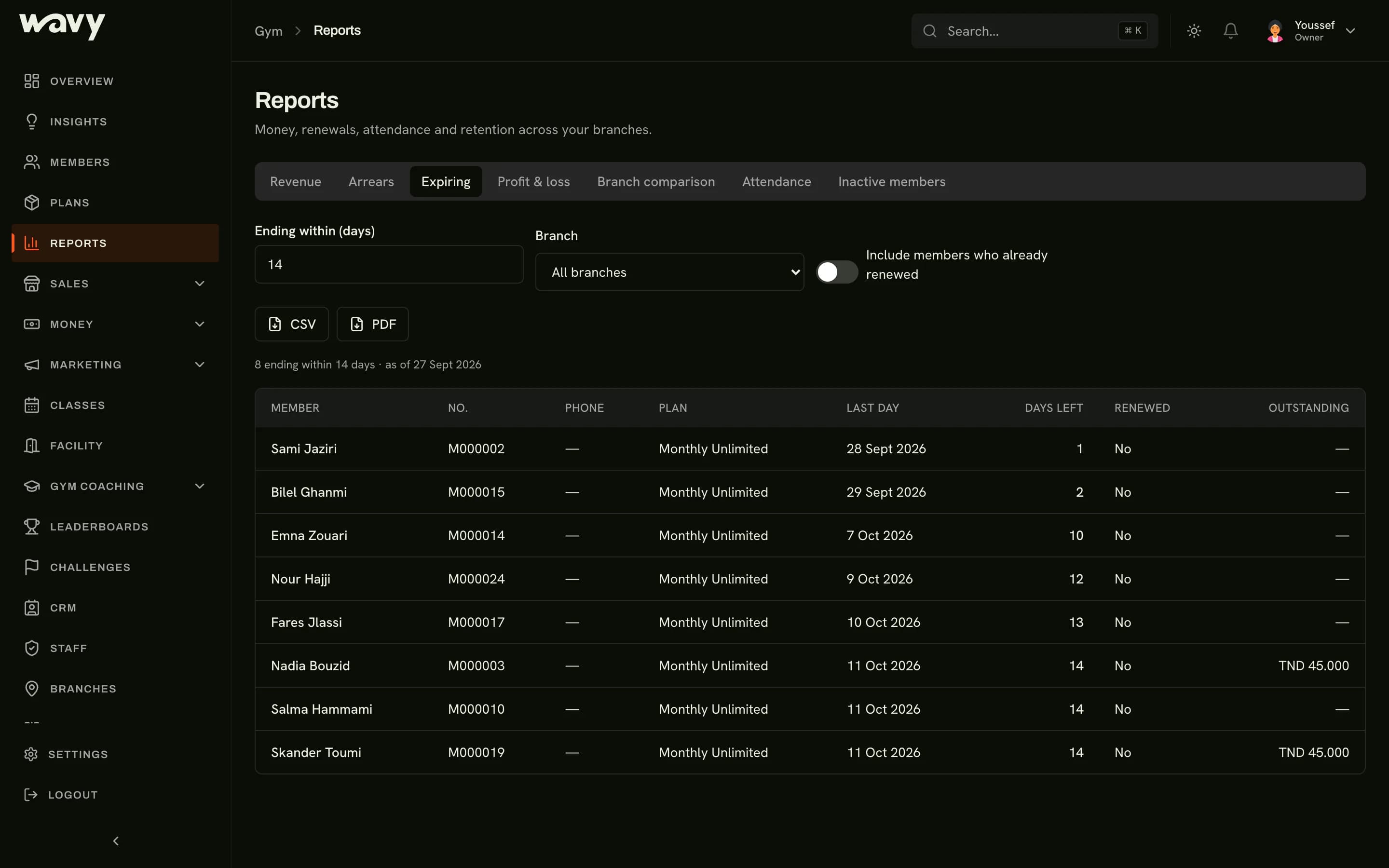
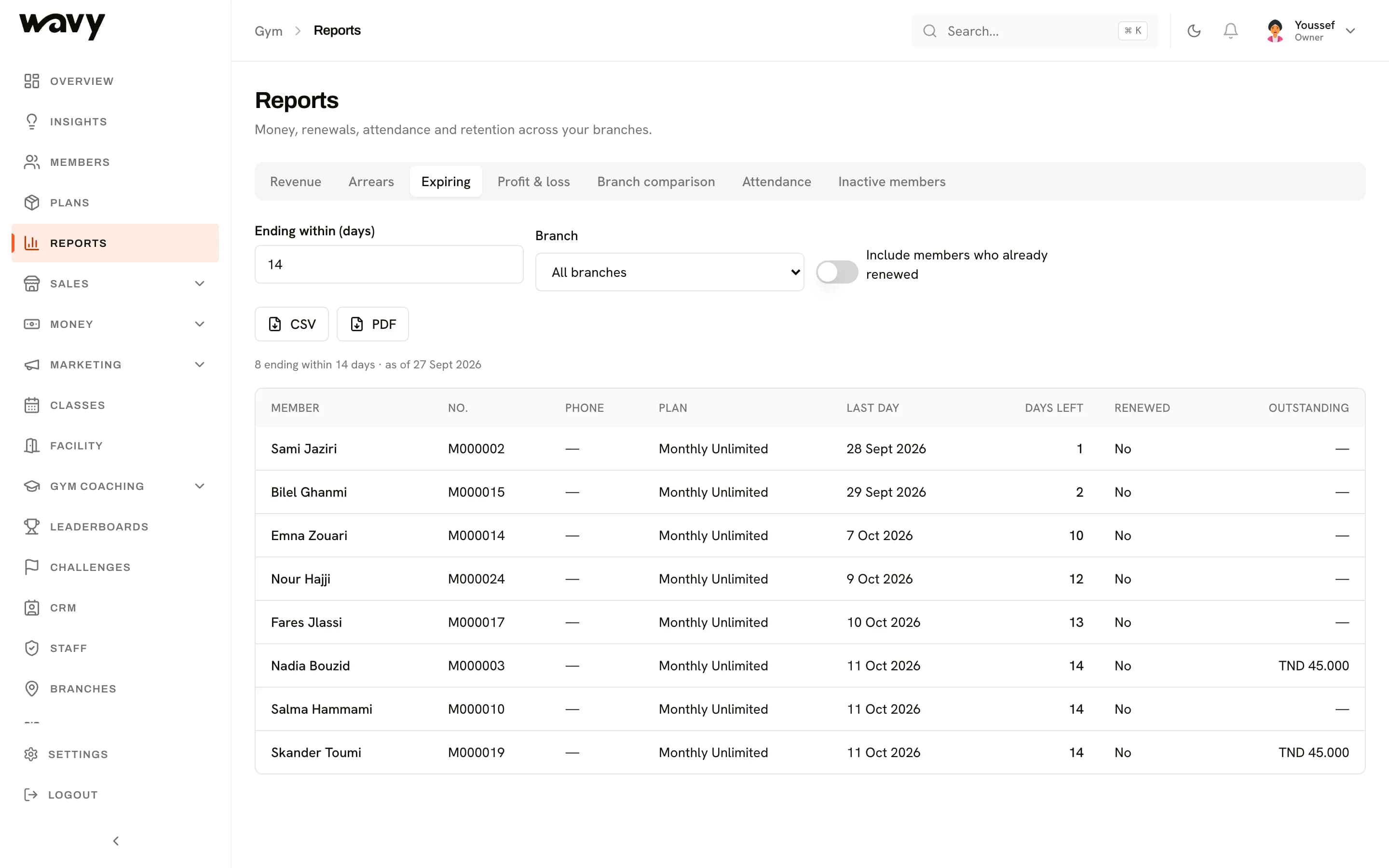
Attendance
See when members come in and how often.Revenue and profit
Follow revenue over time, with a profit and loss view.Inactive members
Spot members who've stopped coming before their plan runs out.Branch comparison
Compare your branches side by side.
Retention and cohort analysis are part of the Insights module.
ModulesWant to see it with your data?
We'll walk you through the dashboard and set it up for your gym.