Member app
Your gym in your pocket
Your pass, your classes, your training and your progress, from the gym you train at.
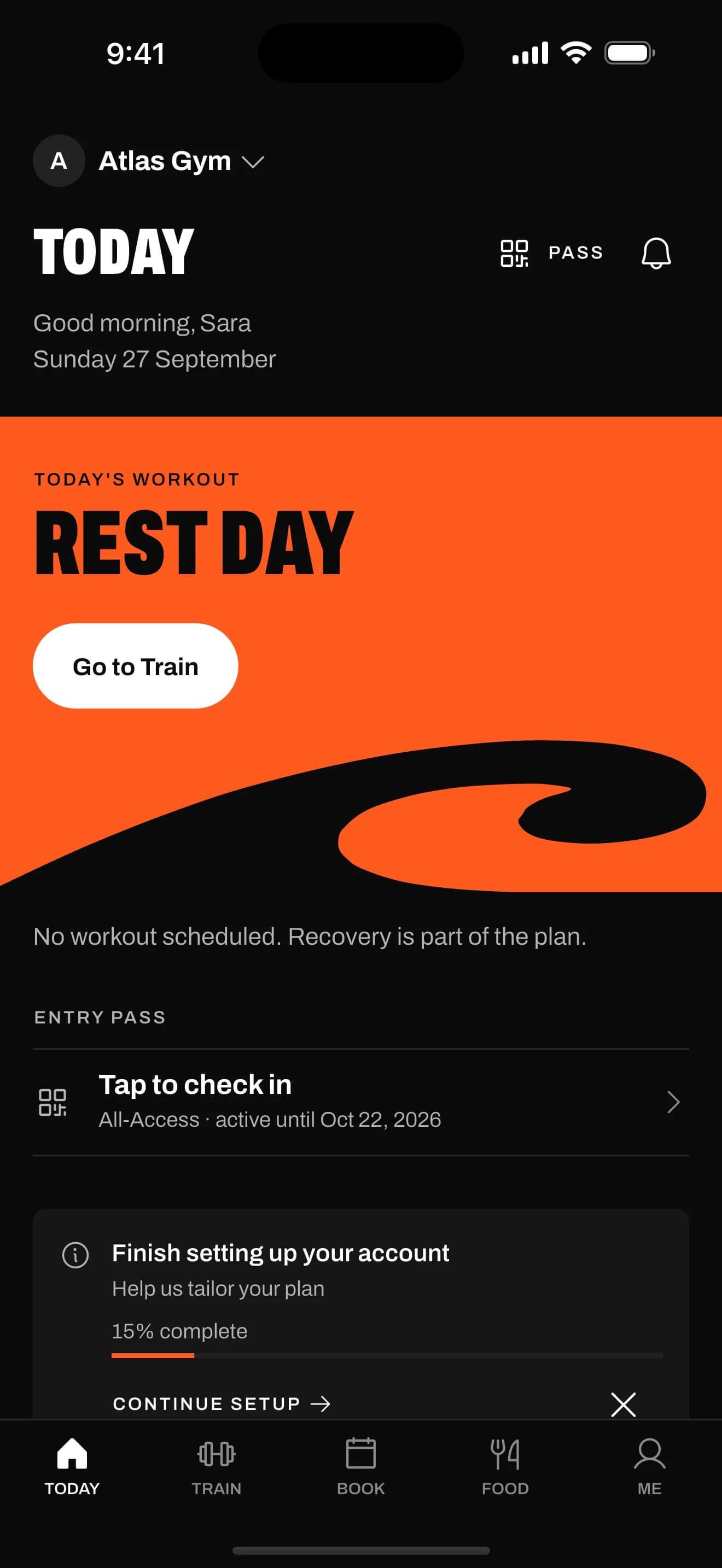
Today
Your pass, your next booking and your next payment, on one screen.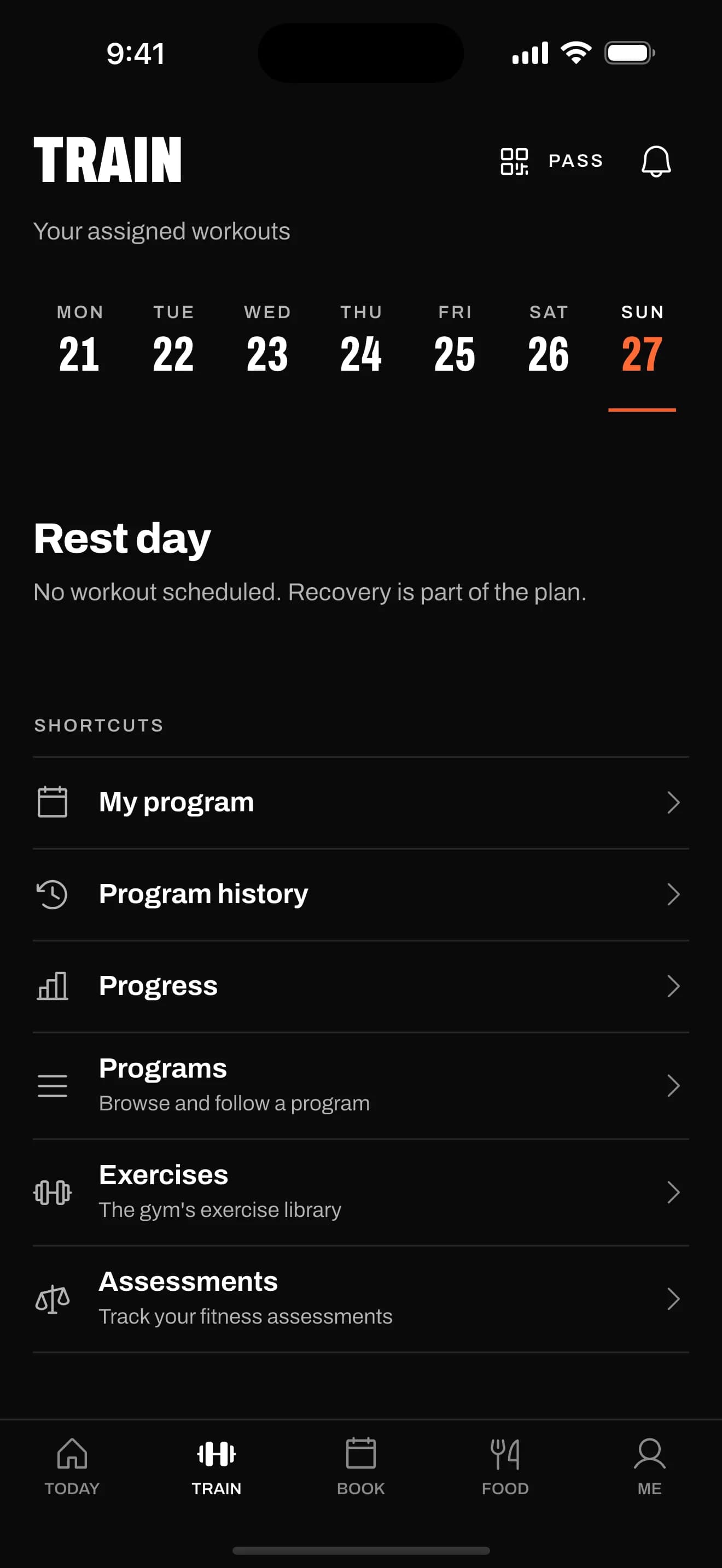
Train
Follow the programme your gym gives you and log every set.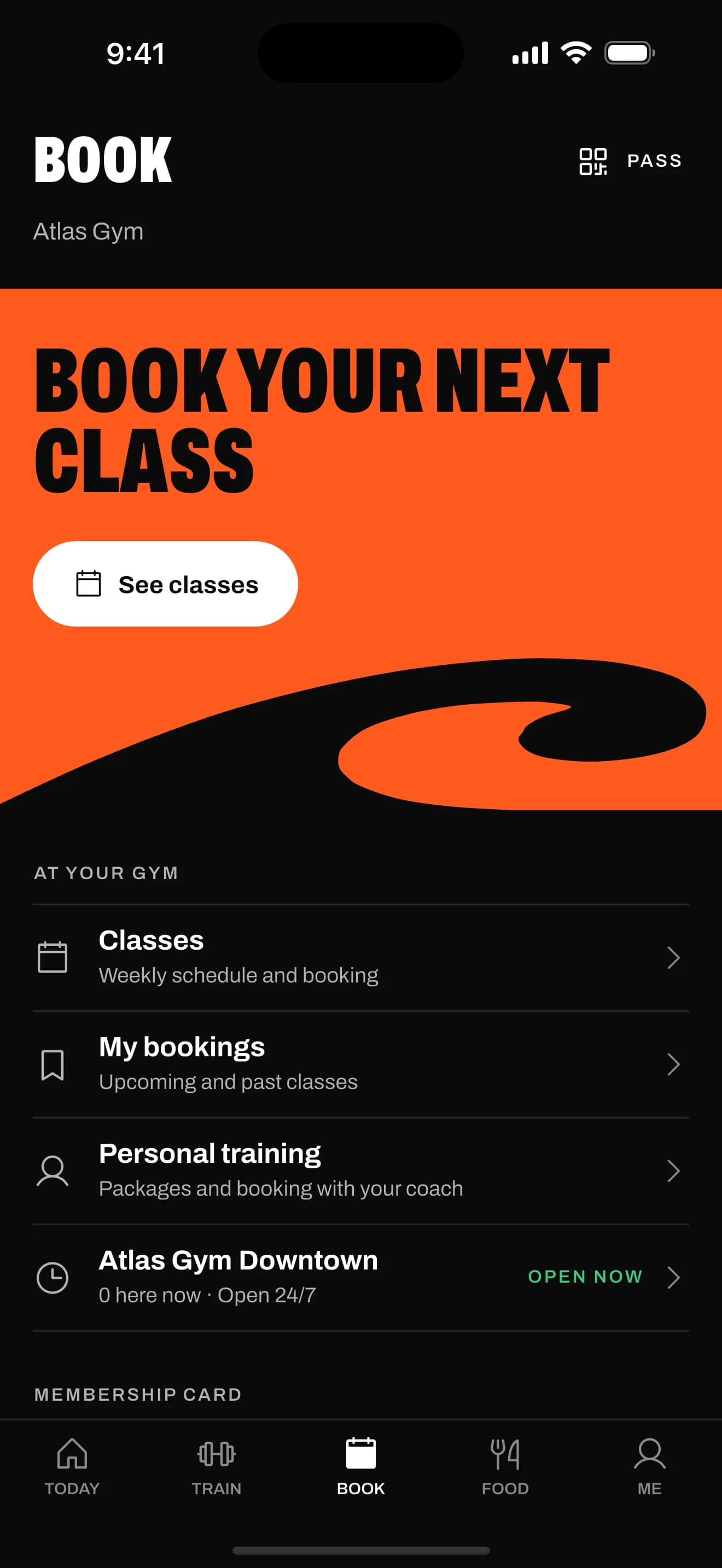
Book
See the week's classes and book your spot.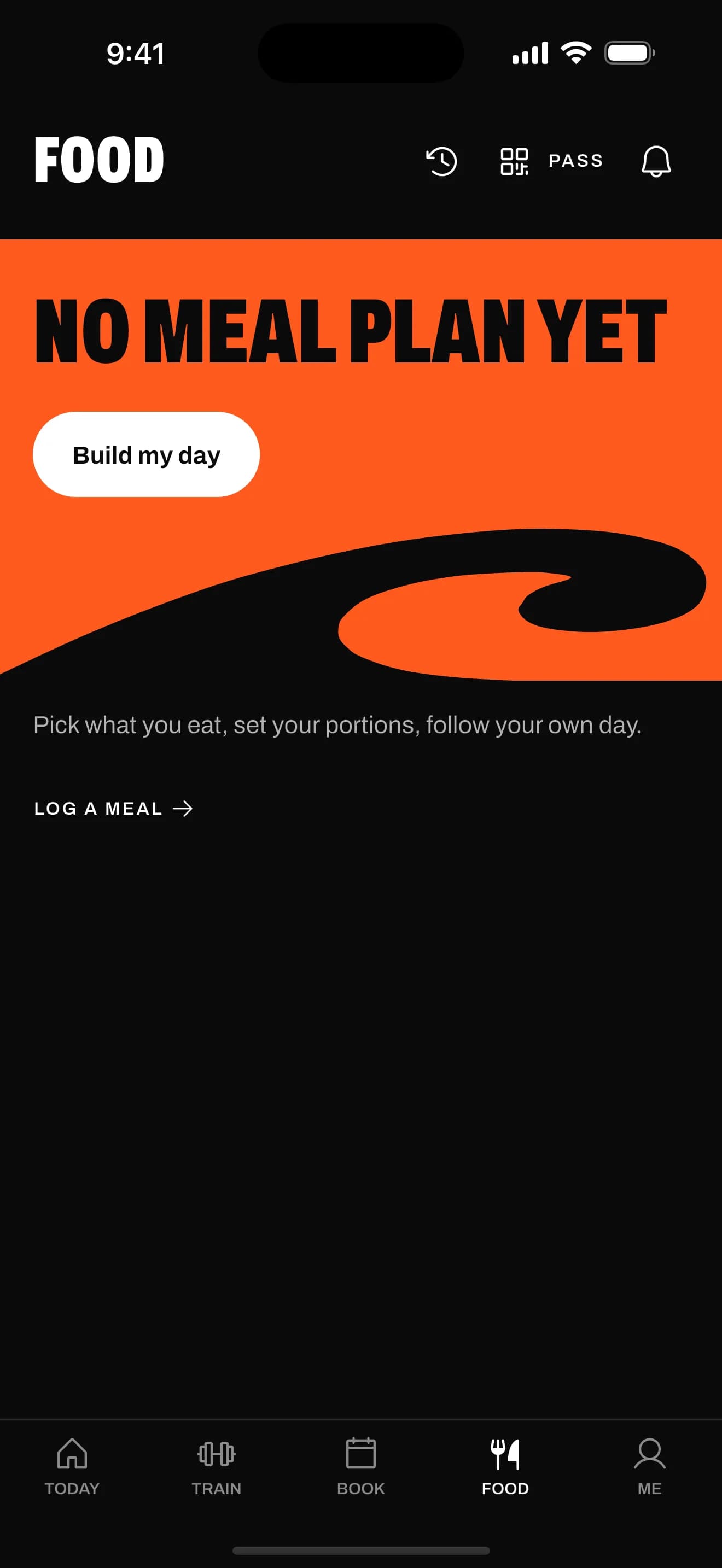
Food
Follow your gym's meal plan, or log what you ate.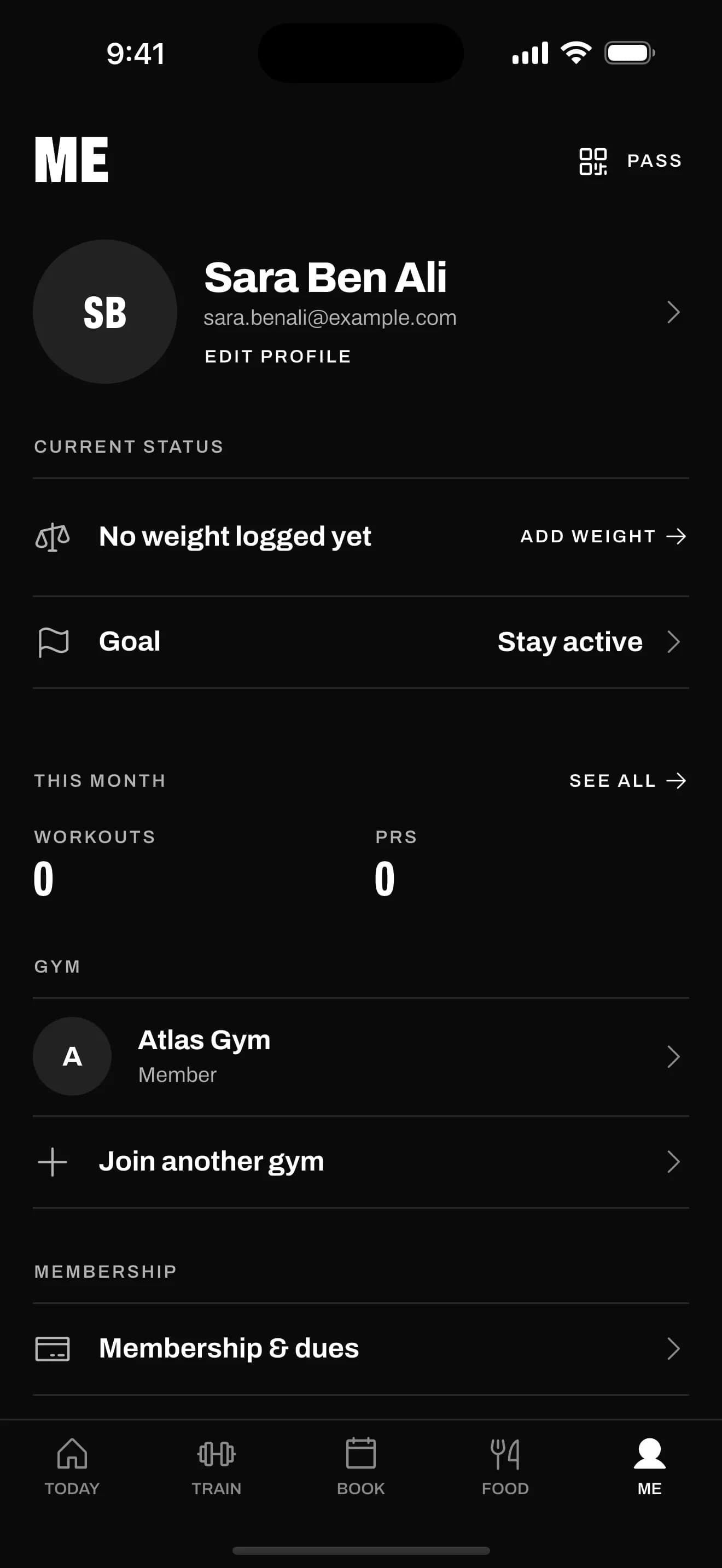
Me
Your progress, personal records and badges.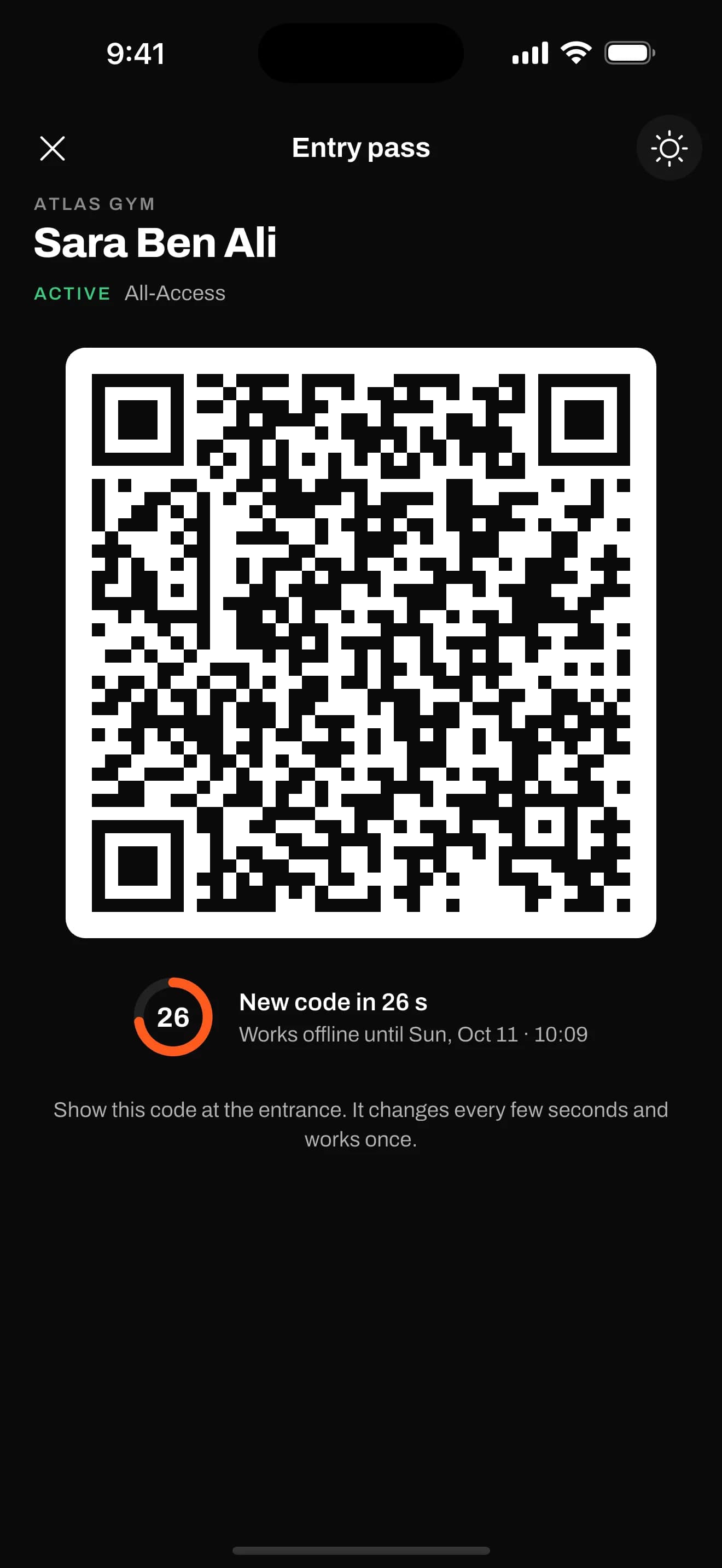
Pass
Show your QR pass at the front desk to check in.
How to get the app
The app is on its way to the App Store and Google Play. Ask your gym when it's ready.
You get the app from your gym
The app is free for members. Your gym gives you an invite code or a QR at the desk, and what you see depends on what your gym offers.Got an invite from your gym?
Install the app, then open your invite link again or enter the code from your gym.Running a gym?
Give your members this app with wavy.Talk to us